
OneTap Install: Every Android Package Format, Installed in One Tap
OneTap Install is the first release from Webglore, built around a single annoyance: installing Android packages should not be complicated. Modern apps and games ship as split bundles – XAPK, APKS or APKM archives holding a base package plus configuration splits – and most installers either fail on them or hide what they are doing behind a spinner.
OneTap Install unpacks the archive, works out which file is the base package, and commits every split in one installation session. That is the same mechanism Google Play uses, so the result is a clean, working install with no guesswork left to you.

Install APK, XAPK, APKS and APKM files in one tap.
How It Works
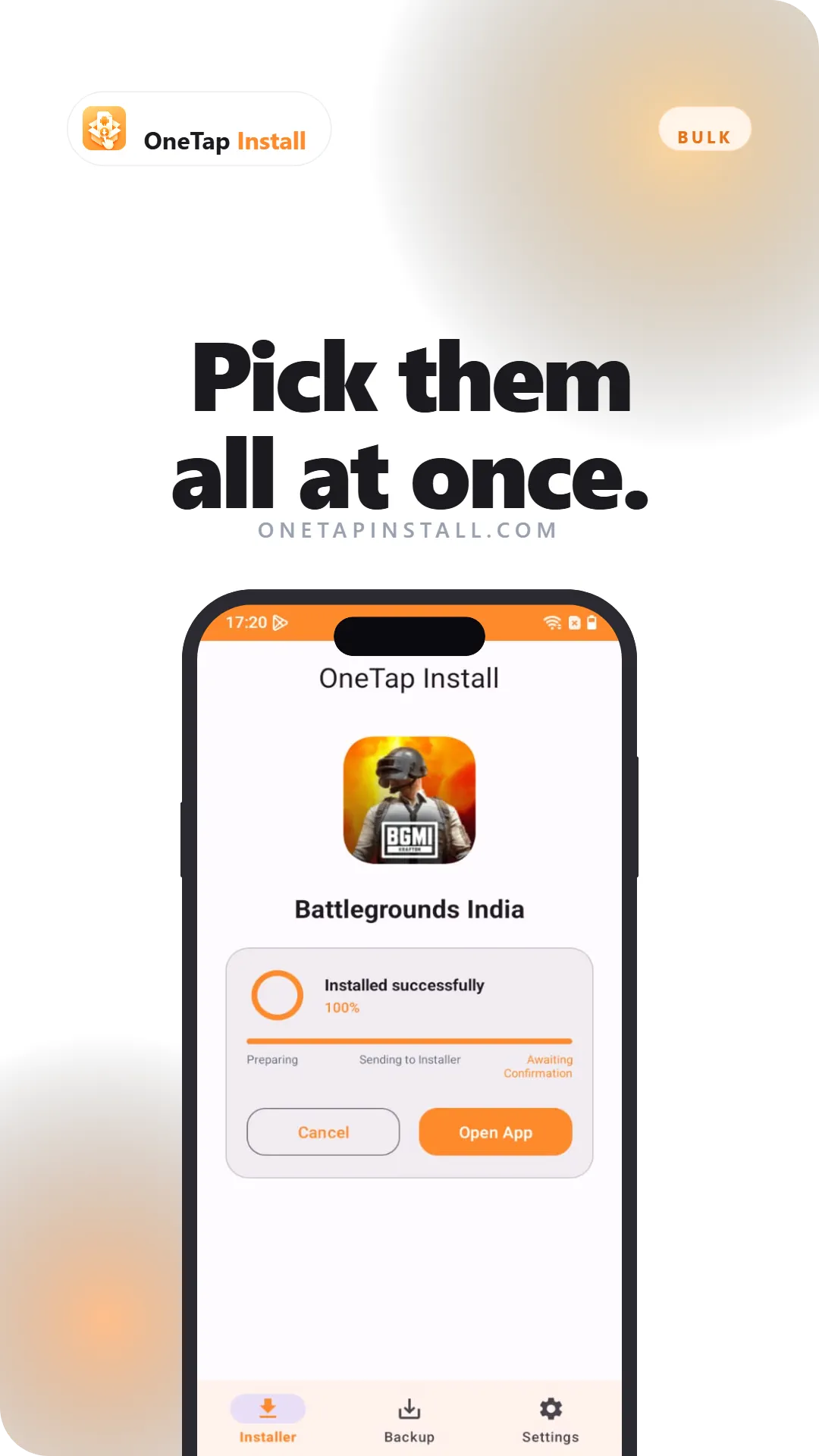
Tap any package file in your file manager and choose OneTap Install, or open the app and pick a file yourself. The app reads the package, shows you the app name, version and size before anything is installed, and then hands it to the Android installer.
Progress is shown in named stages – preparing, sending to installer, confirm – so you always know where you are. If an install fails, the source file is never deleted.
Features and Highlights
- Every package format: APK, XAPK, APKS and APKM. Split bundles are extracted and installed together in a single session.
- Opens from any file manager: Registered for package files system-wide, so "Open with → OneTap Install" appears wherever your files live.
- Real progress: Named stages instead of an indeterminate spinner, with the package details shown before install.
- Version awareness: Detects when a newer version is already installed and warns you before downgrading.
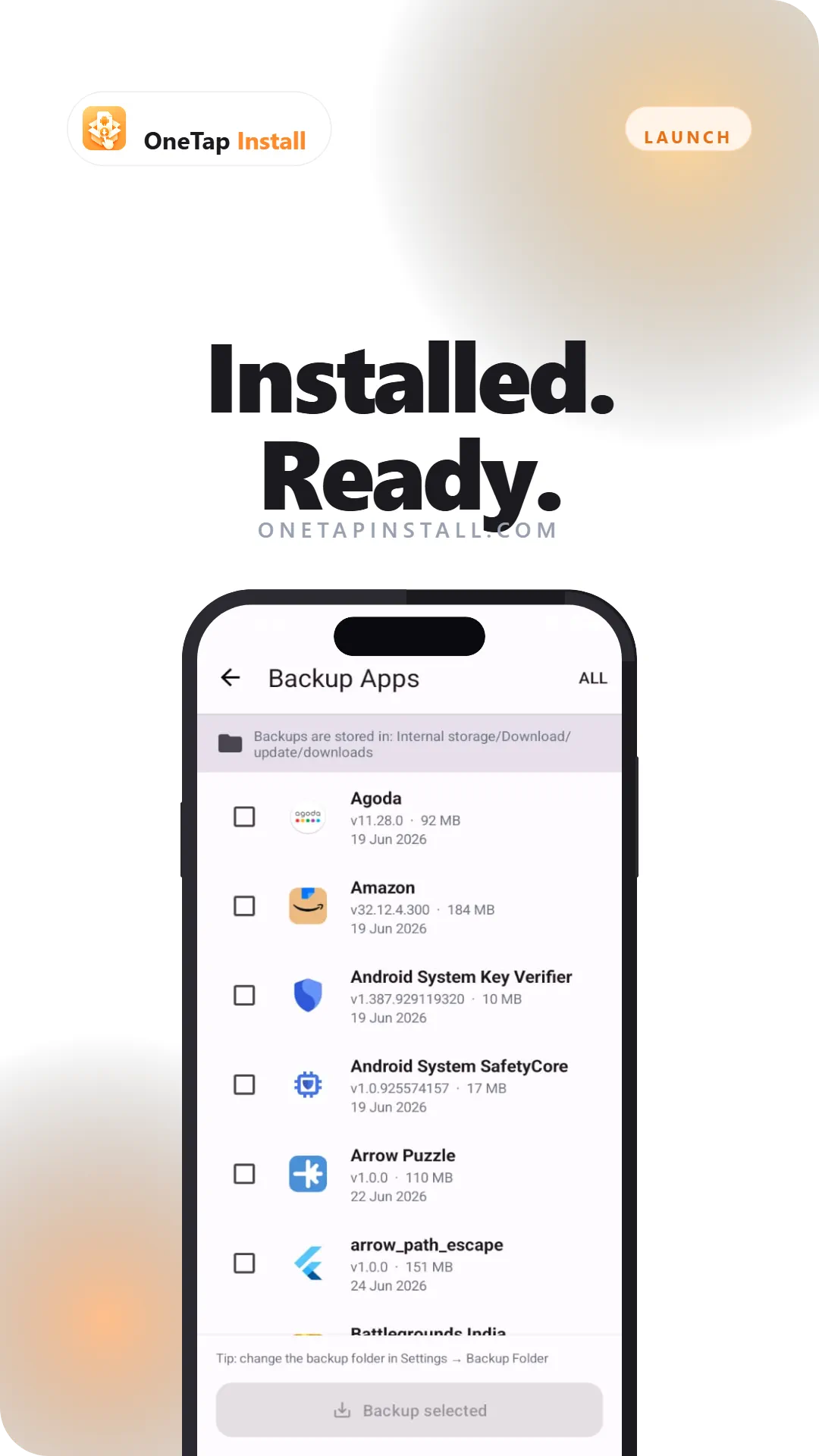
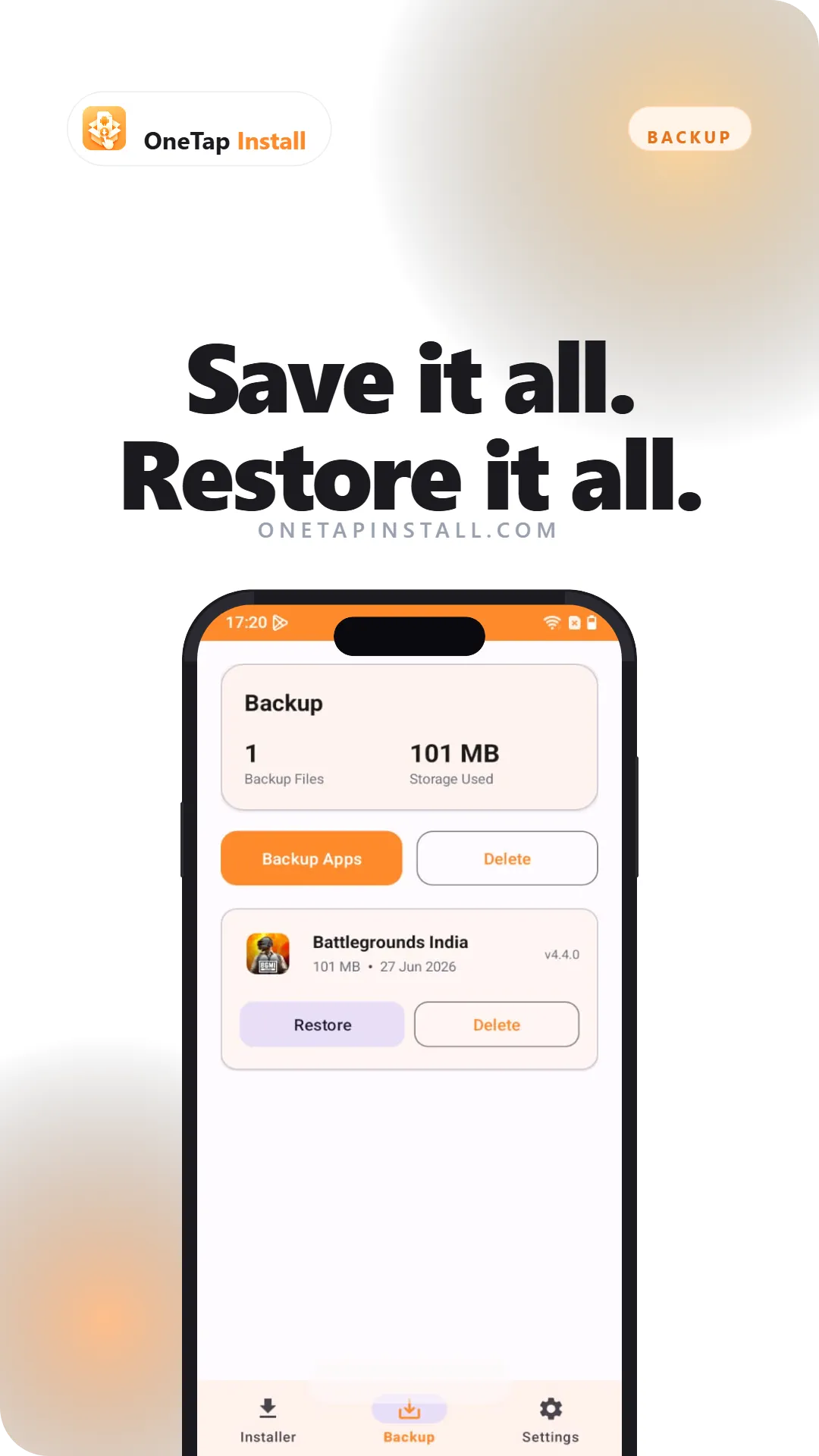
- App backup: Back up installed apps to APK files, then restore them through the same install flow.
- Auto cleanup: Optionally delete the source package after a successful install – only that file, nothing else.
- Light and dark themes: Material design that follows your system theme and stays out of the way.
Split APK Handling
Base, architecture, density and language splits are grouped and installed as one, the way the developer intended.
Backup & Restore
Keep APK copies of the apps you care about, and reinstall them later without hunting for a download.
On-Device Only
Your files are read on your device and never uploaded. Nothing leaves the phone.
Download OneTap Install for Android and stop fighting with package files. Free, no sign-up, works offline.
Download for AndroidPermissions and why
- Install unknown appsRequired to hand your package file to the Android installer.
- Storage accessNeeded to read the package file you selected and to write backups.
- Usage access (optional)Shows real app sizes, the same way system Settings does.
Data this app uses
- Anonymous usage and crash analytics (Firebase Analytics).
- Advertising identifier, used by Google AdMob to show ads.
- Files you pick are processed on your device and are never uploaded.
Full detail is in our Privacy Policy. To remove data tied to this app, see data deletion.